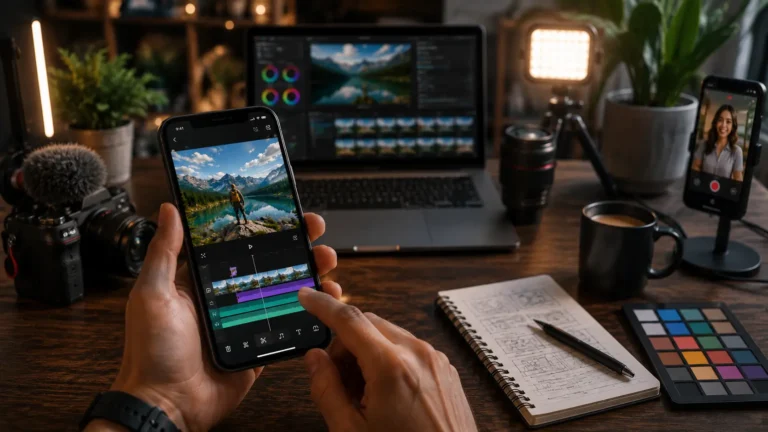
Hypic Alternative Photo Editor Apps in 2026
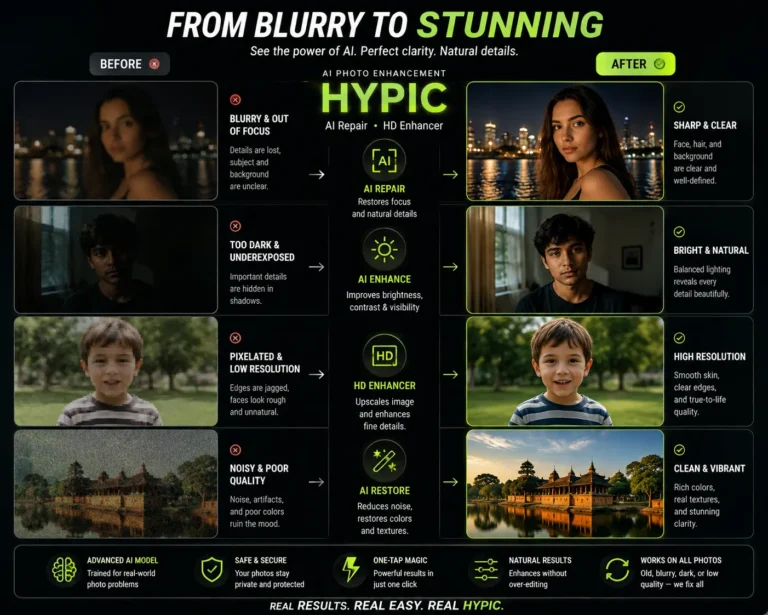
Finding the right photo editing app is no longer just about adding filters. Modern creators want AI enhancement, fast editing tools, social media templates, beauty retouching, and professional-level controls all inside one smooth experience. While Hypic has become popular for AI-powered editing, many users still search for a better Hypic alternative that offers more flexibility, fewer restrictions, or stronger editing tools.
Some users feel limited by premium features, while others want apps designed specifically for portrait editing, product photography, or creative social media content. The good news is that several powerful photo editor apps now compete directly with Hypic and, in some cases, outperform it in specific areas.
If you are searching for the best apps like Hypic, this guide covers the top alternatives worth trying in 2026.
Quick Comparison of the Best Hypic Alternatives
|
App |
Best For |
AI Features |
Free Version |
Watermark |
|---|---|---|---|---|
|
Remini |
AI photo enhancement |
Strong |
Limited |
No |
|
PicsArt |
Creative editing |
Medium |
Yes |
Optional |
|
Canva |
Social media design |
Medium |
Yes |
No |
|
PhotoRoom |
Product photography |
Strong |
Yes |
Yes |
|
Snapseed |
Professional editing |
Basic AI |
Yes |
No |
|
CapCut |
AI photo + video editing |
Strong |
Yes |
No |
|
YouCam Perfect |
Beauty and selfie editing |
Medium |
Yes |
Optional |
If you are specifically searching for a free Hypic alternative, these apps provide different strengths depending on your editing needs.
1. Remini – Best for AI Photo Enhancement and Restoration
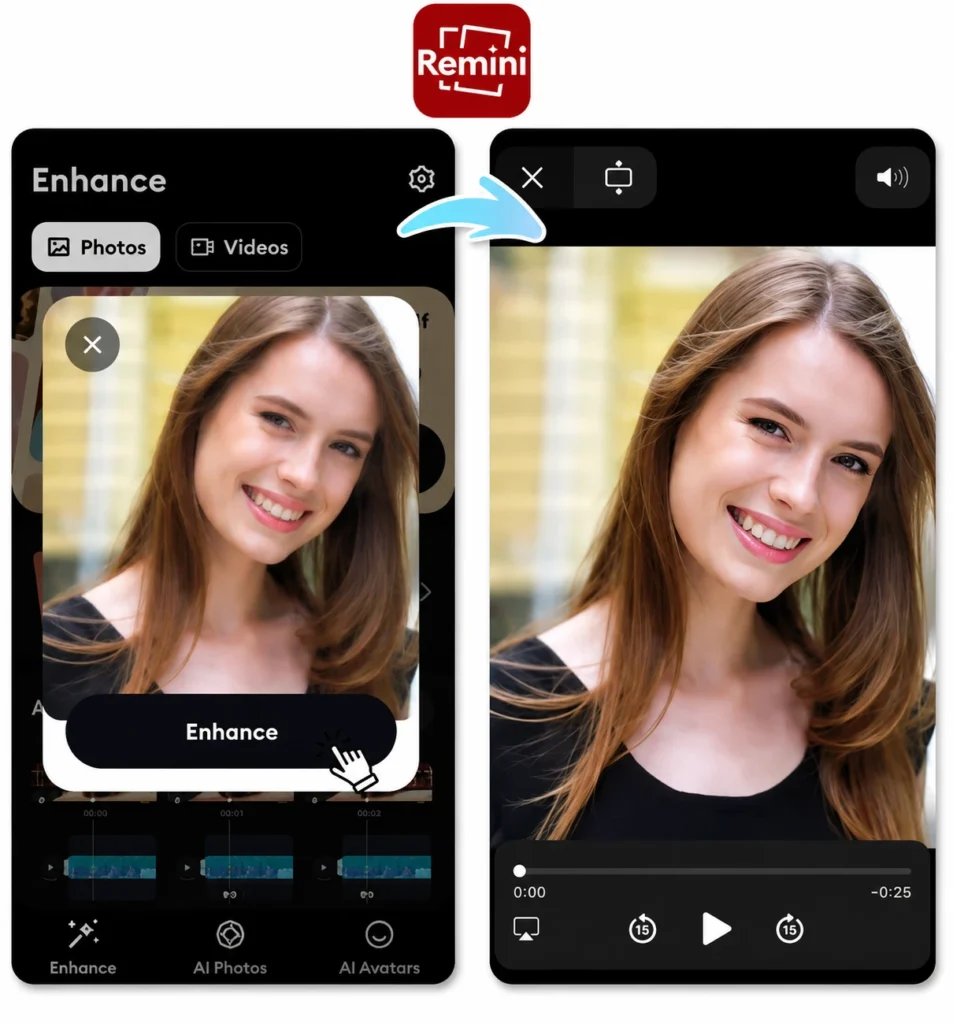
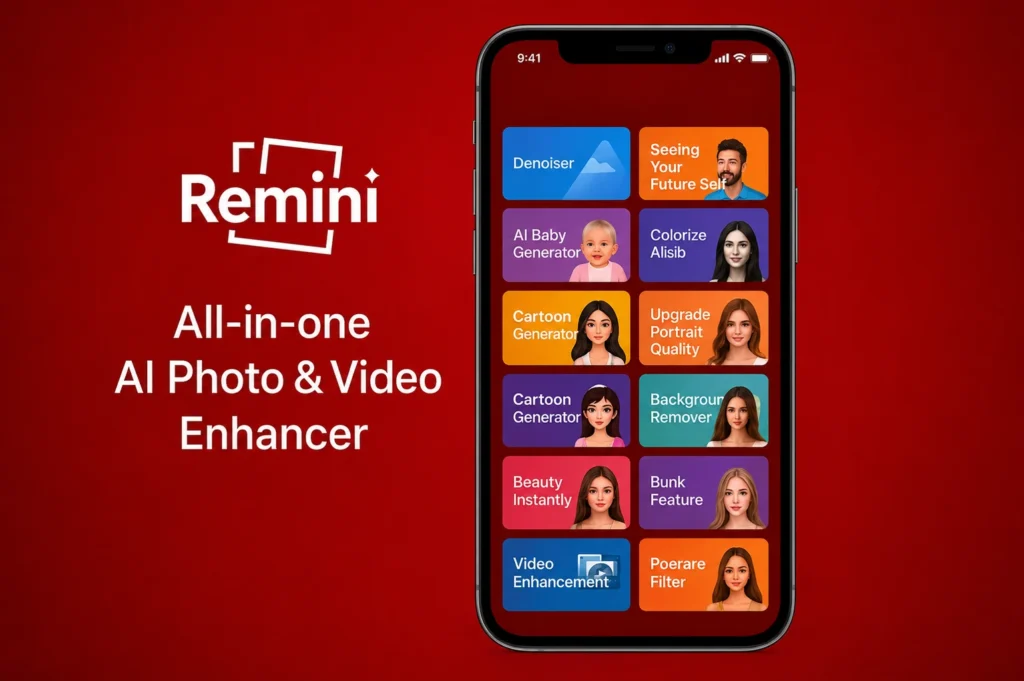
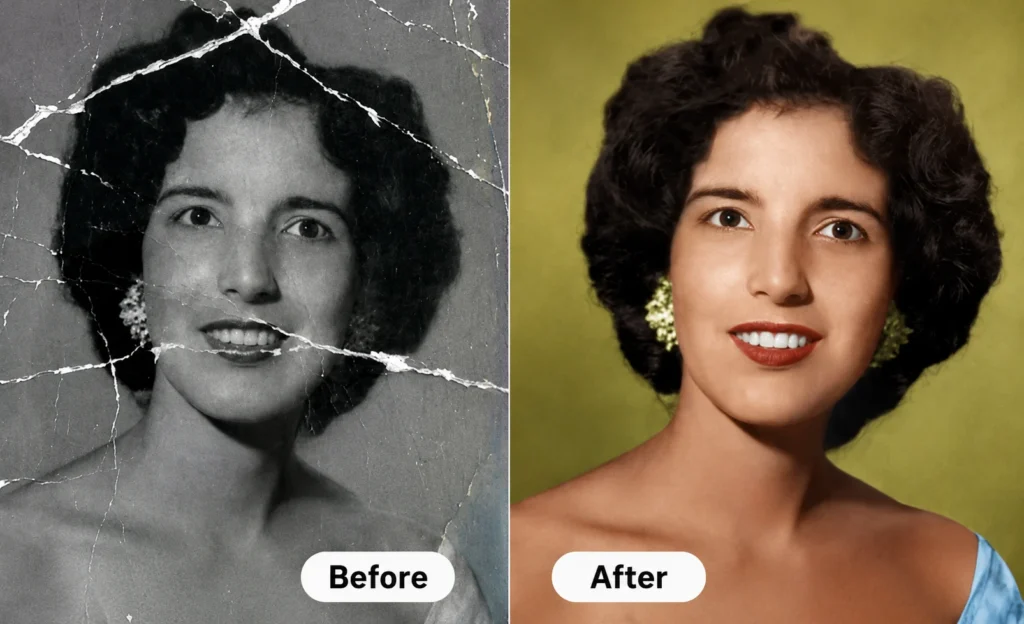
Remini is one of the strongest AI-powered alternatives to Hypic for improving image quality. Instead of offering dozens of unrelated tools, Remini focuses heavily on restoring blurry, damaged, or low-resolution photos using artificial intelligence.
The app can sharpen facial details, improve portrait clarity, upscale old images, and transform low-quality pictures into HD results within seconds. Many users prefer Remini because its AI enhancement engine feels more specialized and refined compared to general editing apps.
If your primary reason for using Hypic is portrait enhancement or image restoration, Remini is often the better choice. It delivers faster AI-based improvements without overwhelming users with complicated editing menus.
2. PicsArt – Best for Creative Editing and Effects
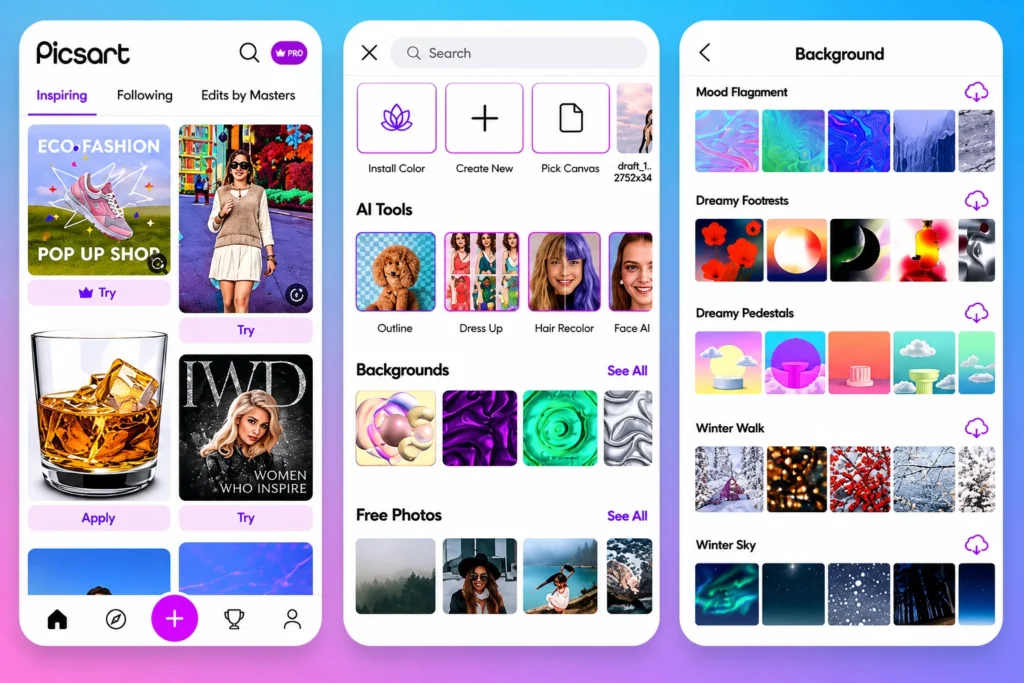
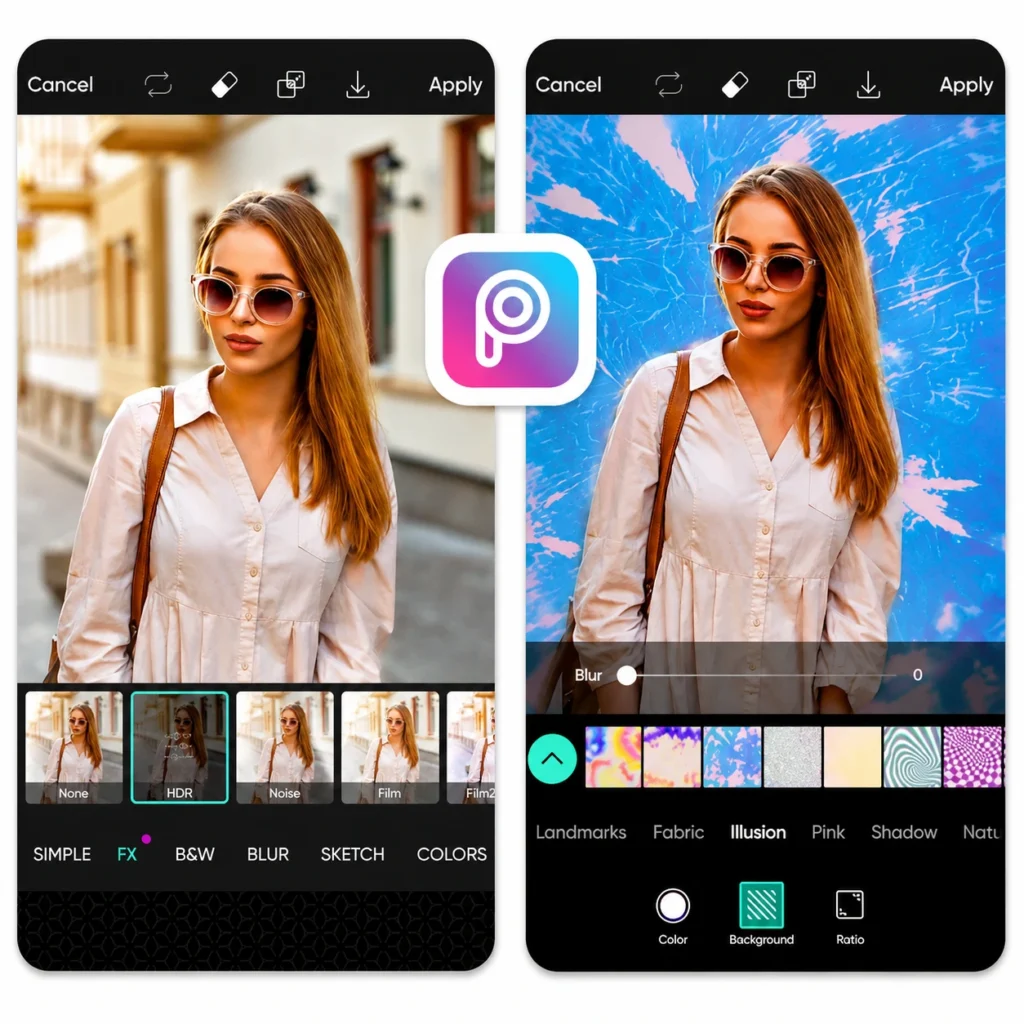
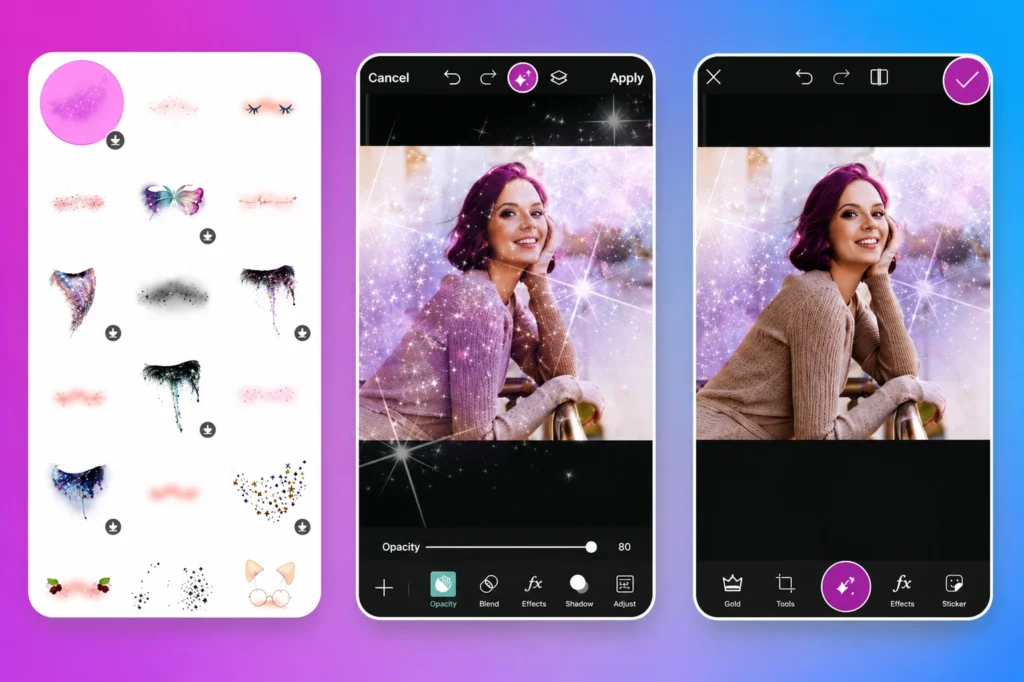
PicsArt is designed for creators who enjoy experimenting with effects, filters, overlays, and artistic edits. Compared to Hypic, PicsArt offers far more creative freedom and customization options.
The app includes advanced filters, AI effects, drawing tools, collage makers, stickers, and community-created templates. This makes it especially useful for content creators, Instagram users, and people who enjoy aesthetic photo editing.
If Hypic feels too simple or limited, PicsArt provides a much larger creative workspace. It is one of the best choices for users who want trending edits and social media-ready visuals.
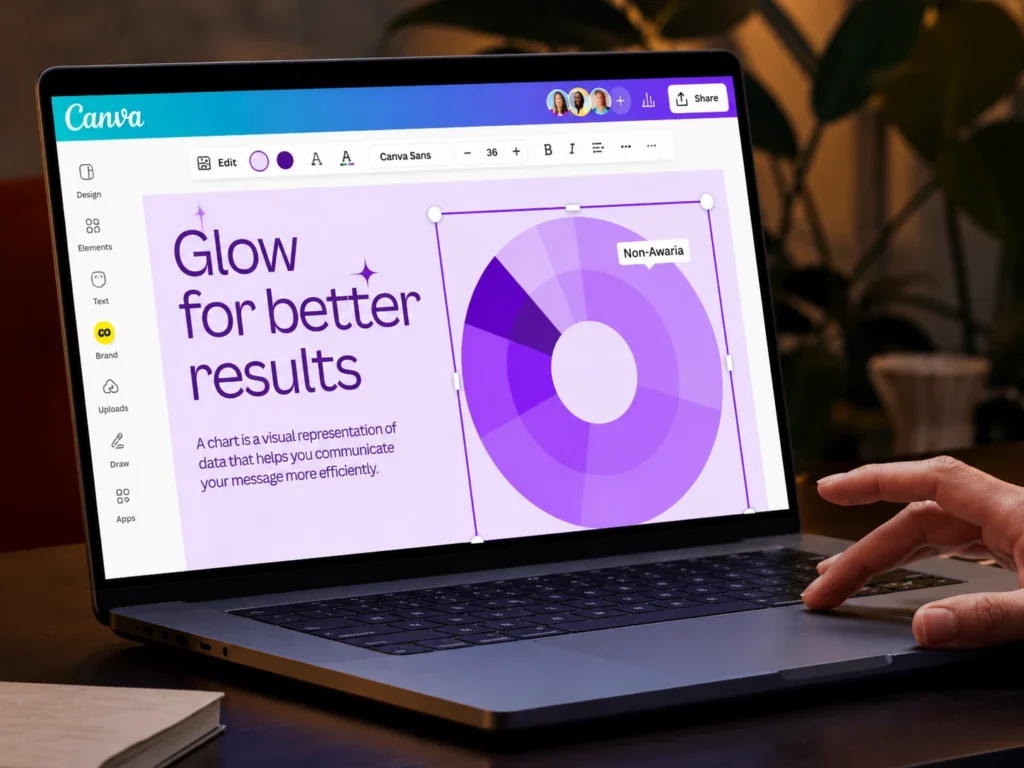
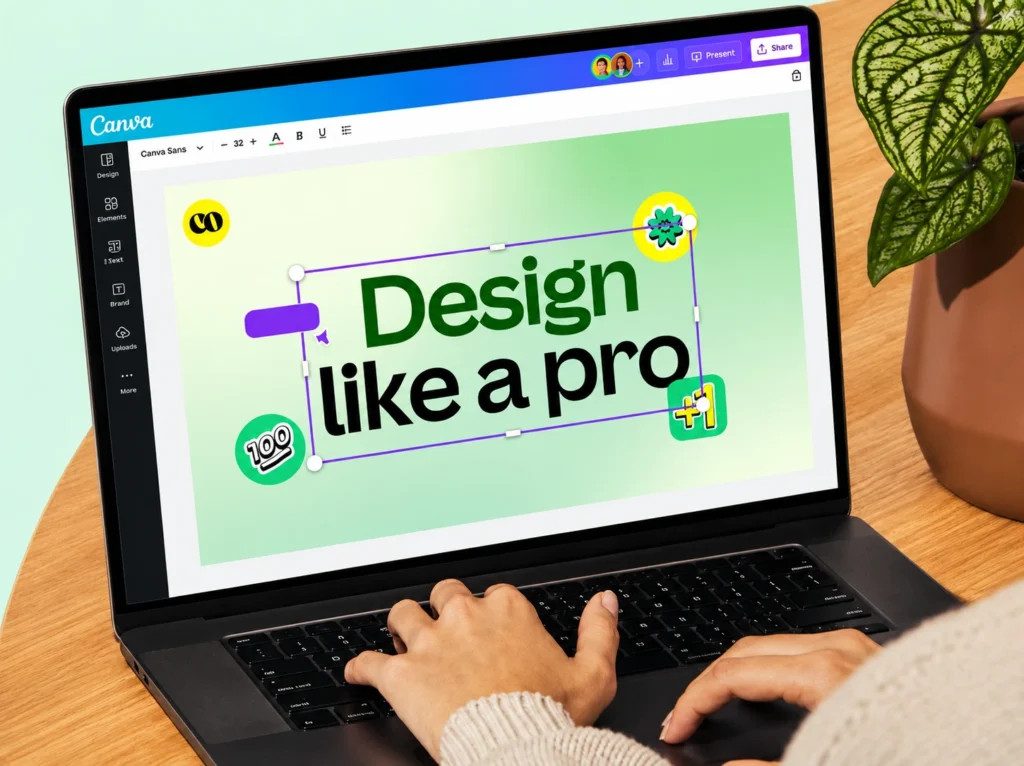
3. Canva – Best for Social Media Design and Branding
Canva is more than just a photo editor. It combines editing tools with professional design features, making it ideal for creators, businesses, marketers, and influencers.
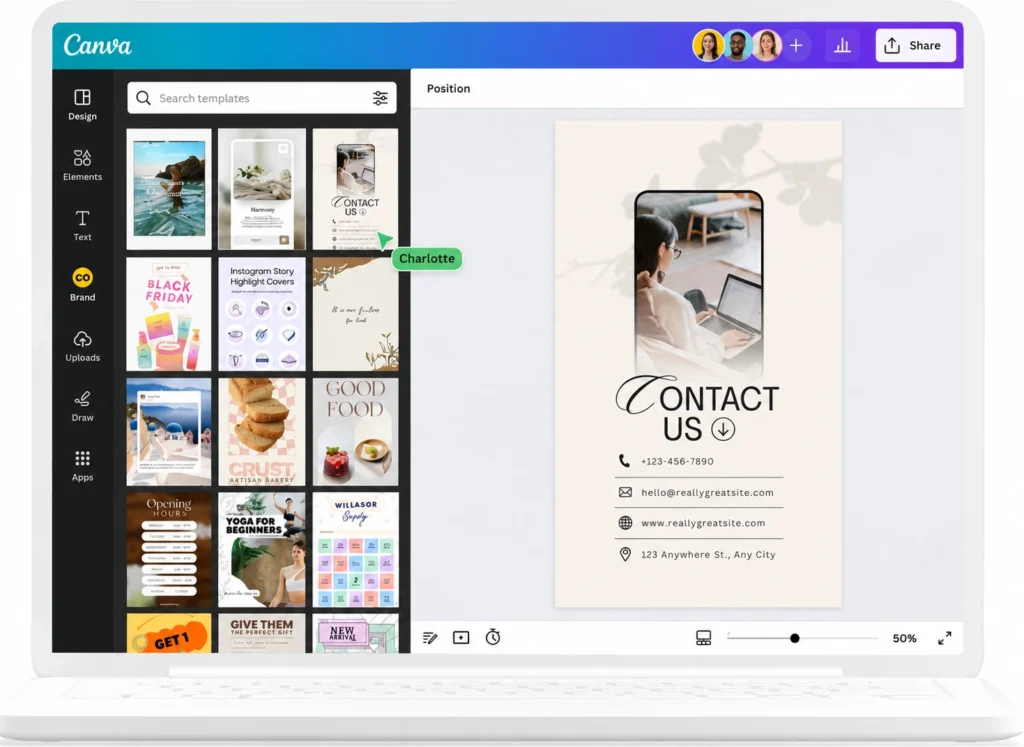
The platform is widely known for ready-made templates for Instagram posts, YouTube thumbnails, presentations, ads, and branding materials. Canva also includes AI-powered design suggestions and easy drag-and-drop editing tools.
Users who feel restricted by Hypic’s design limitations often move to Canva because it handles both visual editing and content creation in one place. It is especially useful for businesses that need fast and polished social media graphics.
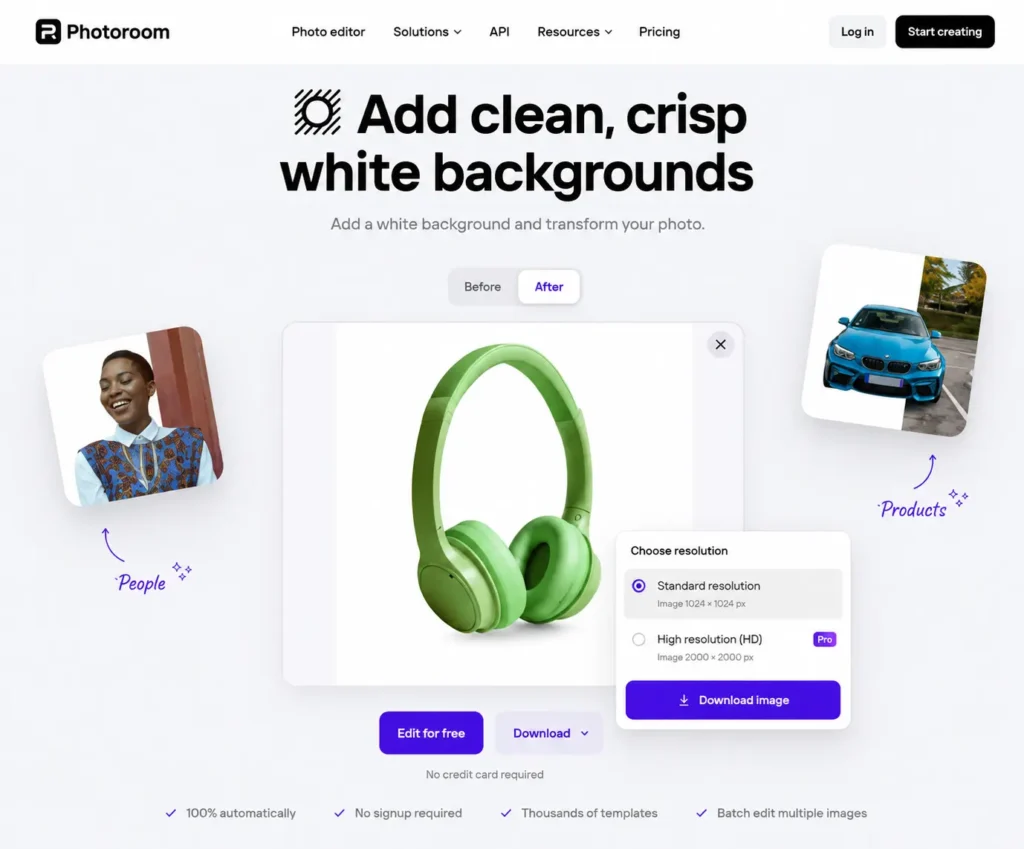
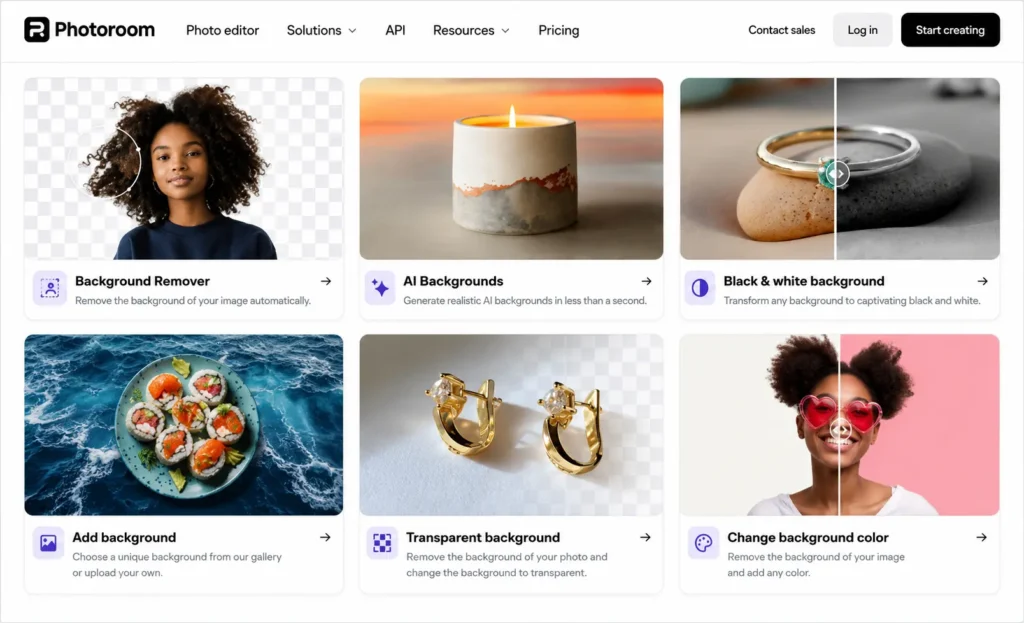
4. PhotoRoom – Best for Product Photos and Background Removal
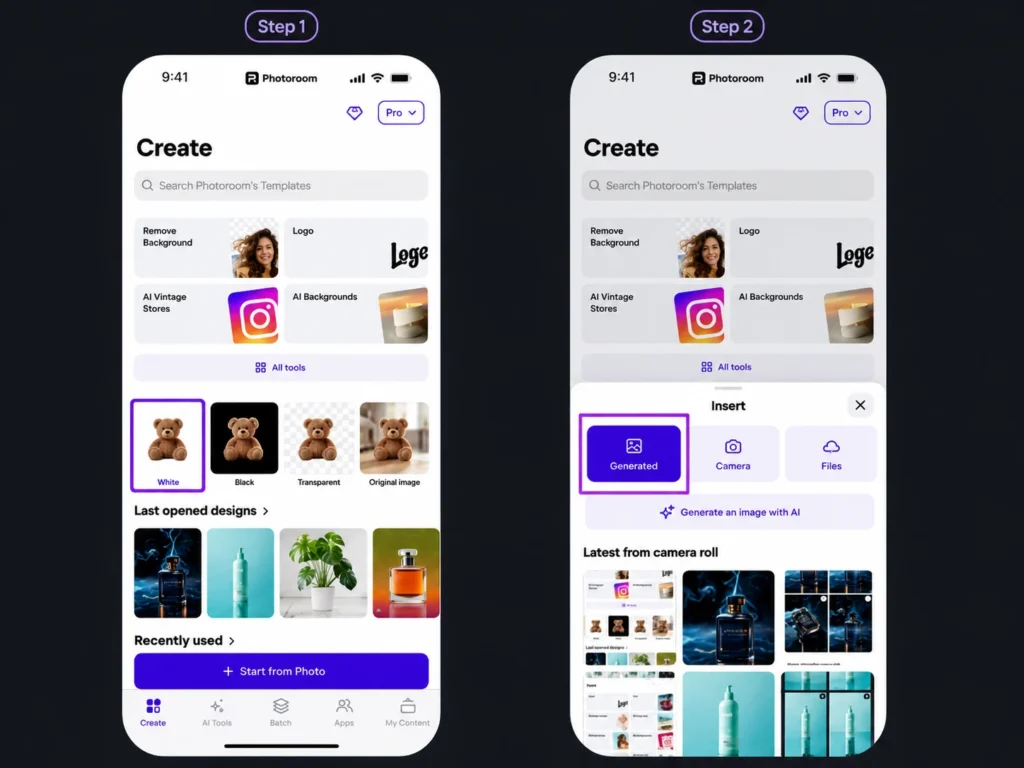
PhotoRoom is one of the best apps for e-commerce sellers and product photographers. Unlike general editing apps, PhotoRoom is designed specifically for background removal and product image optimization.
The app can instantly remove backgrounds, create clean white-background product photos, generate studio-style visuals, and speed up batch editing for online stores.
If you previously used Hypic for background edits or product photography, PhotoRoom offers a more professional and efficient workflow. Small business owners and marketplace sellers often prefer it for creating clean product listings quickly.
5. Snapseed – Best for Professional-Level Editing
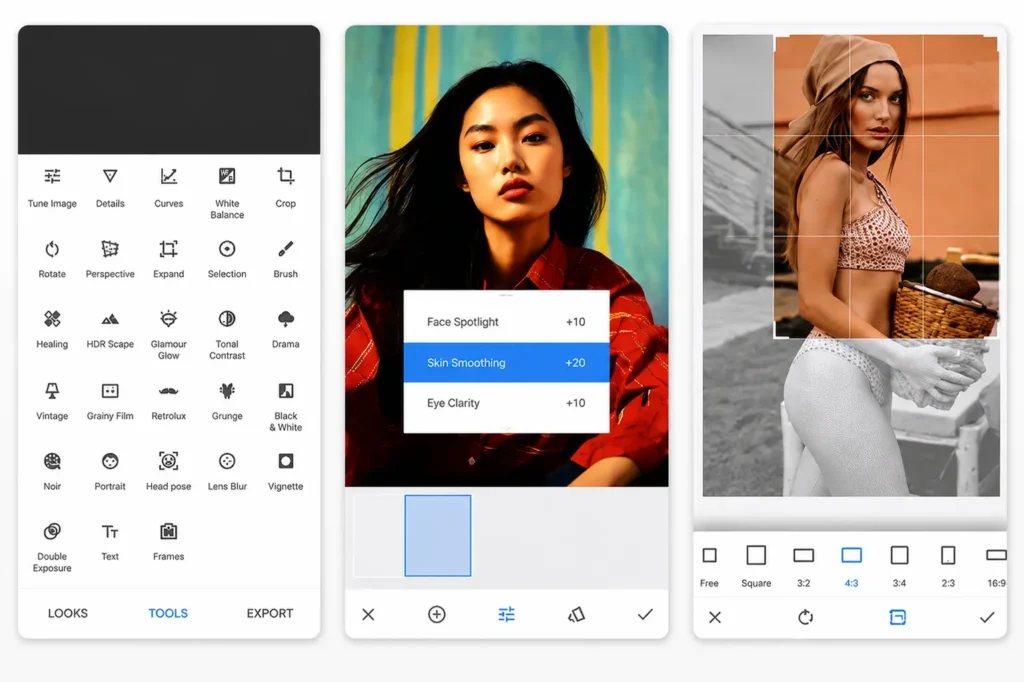
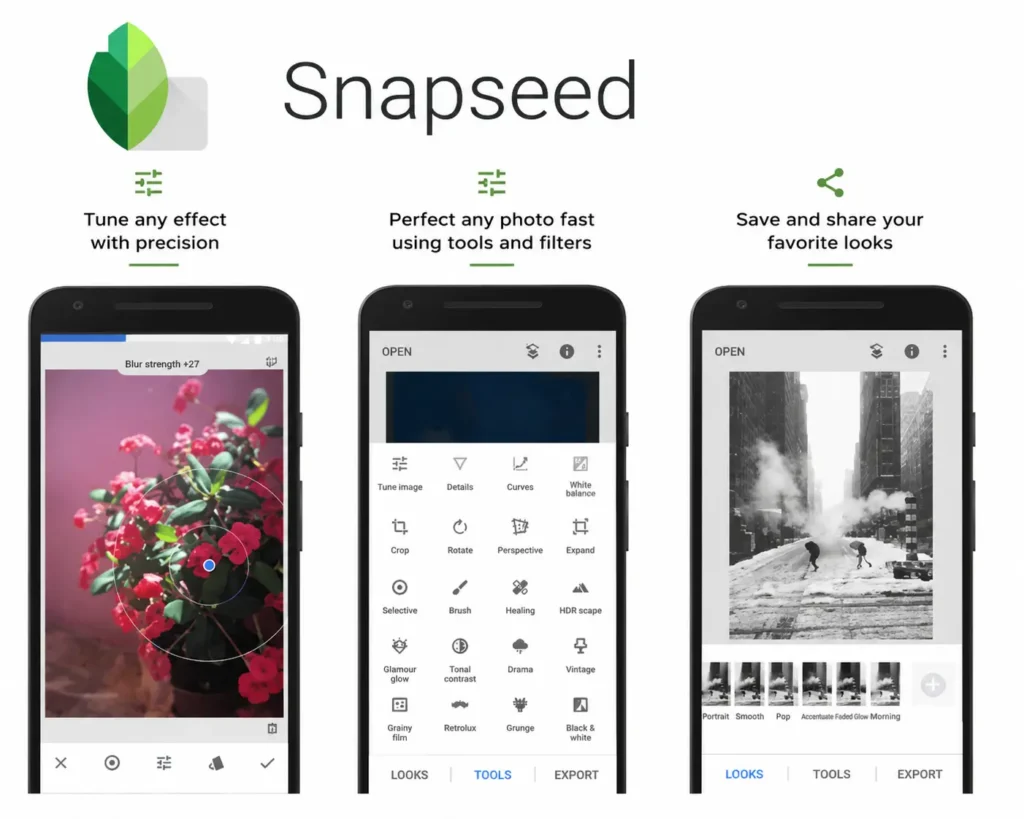
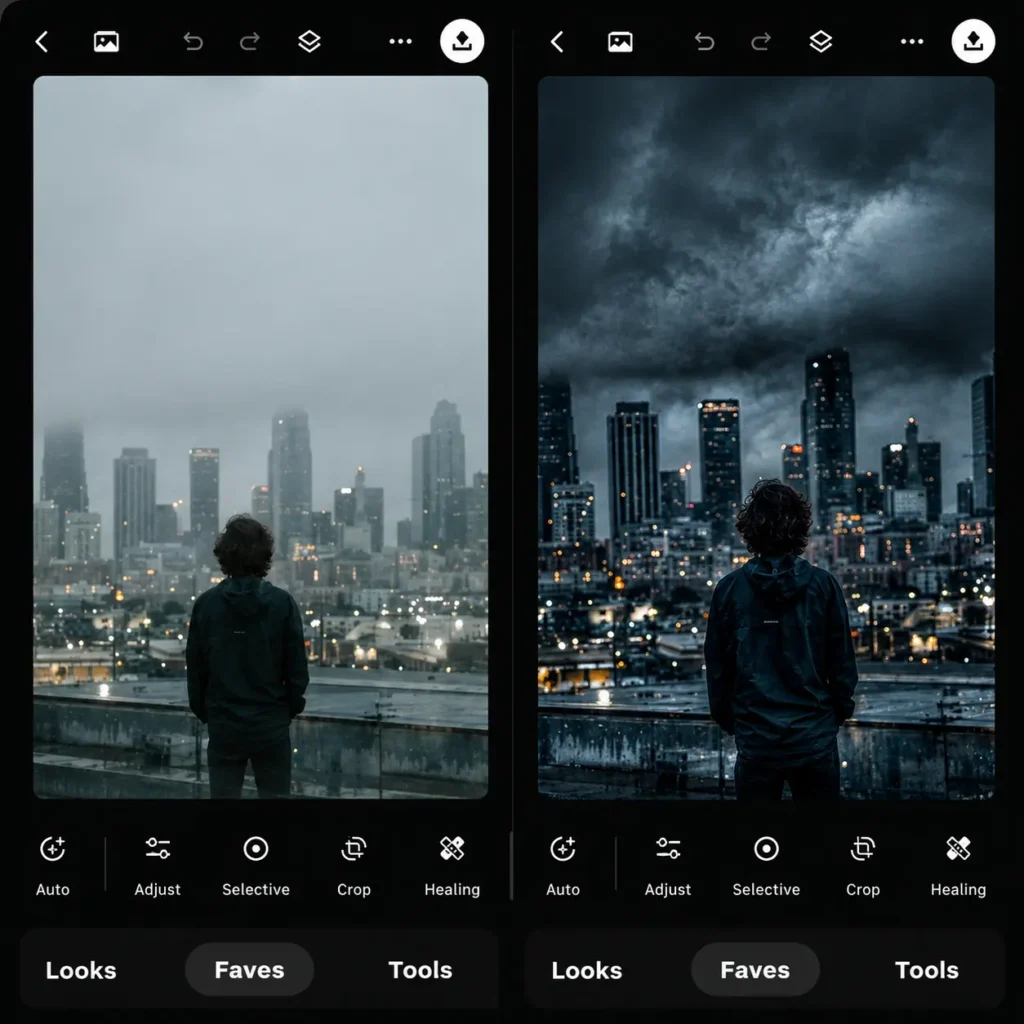
Snapseed remains one of the most respected mobile photo editing apps for users who want precise control over their images. Developed by Google, Snapseed offers advanced editing tools without requiring a paid subscription.
The app supports RAW image editing, detailed color correction, selective adjustments, healing tools, and professional lighting controls. While its AI features are less aggressive than Hypic’s, Snapseed gives editors more manual precision and flexibility.
In a direct Snapseed vs Hypic comparison, Snapseed is usually the stronger option for photographers and advanced users who want deeper editing capabilities instead of automatic AI processing.
6. CapCut – Best All-in-One AI Photo and Video Editor
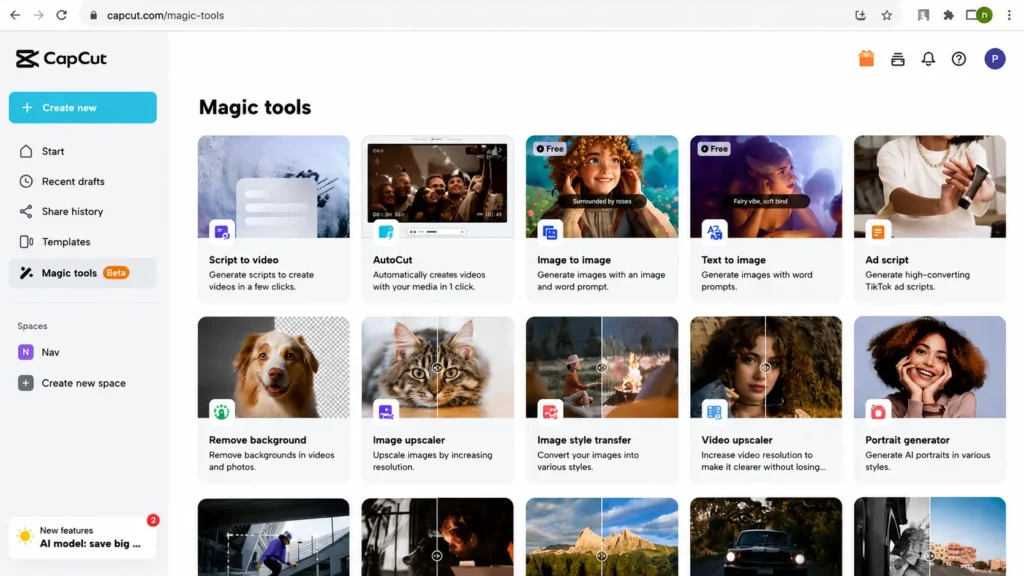
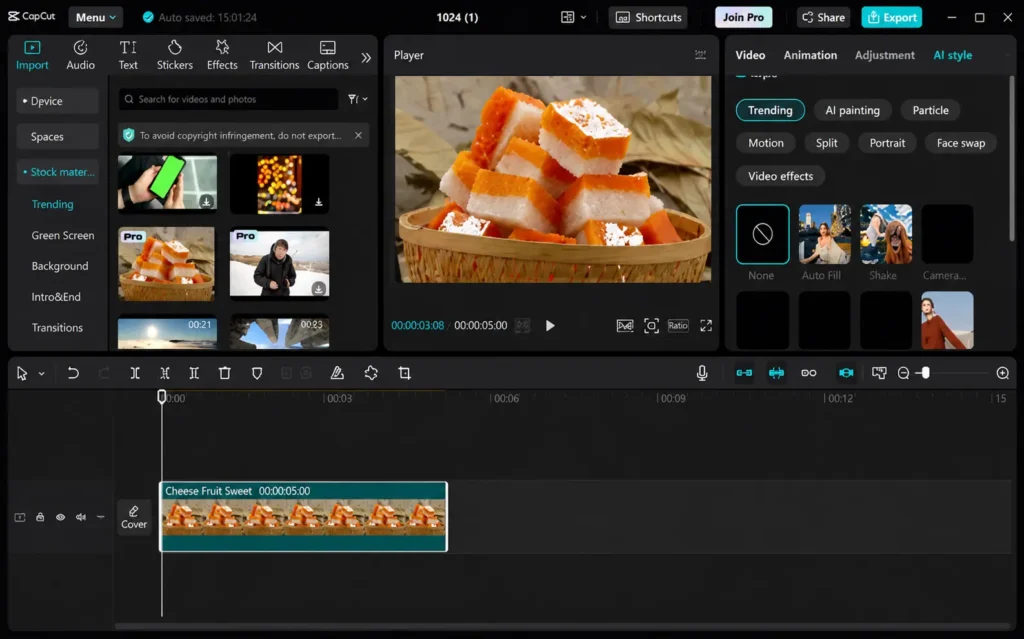
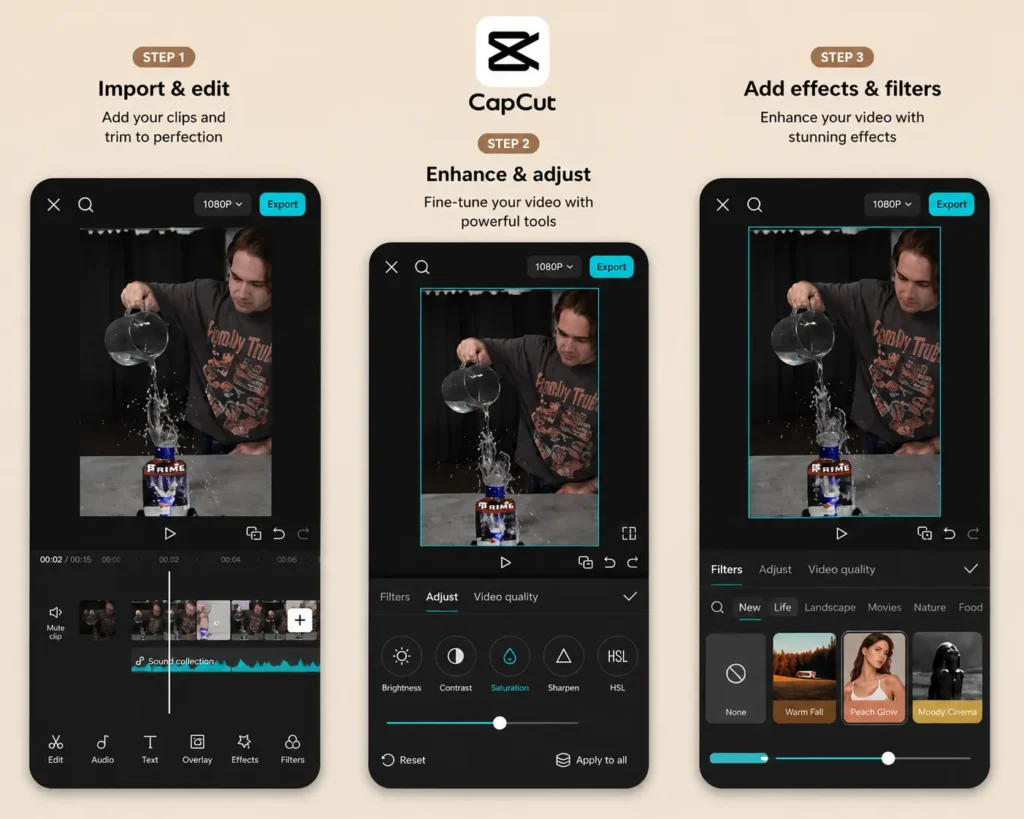
CapCut has quickly evolved into one of the most complete creative editing platforms available today. While it originally focused on video editing, CapCut now includes powerful photo editing and AI tools as well.
The app offers AI cutouts, automatic captions, trending templates, effects, transitions, portrait enhancements, and social media optimization tools. Its connection with TikTok also makes it extremely popular among content creators.
For users who regularly edit both videos and photos, CapCut feels more versatile than Hypic. It combines speed, AI features, and social media integration into one powerful editing environment.
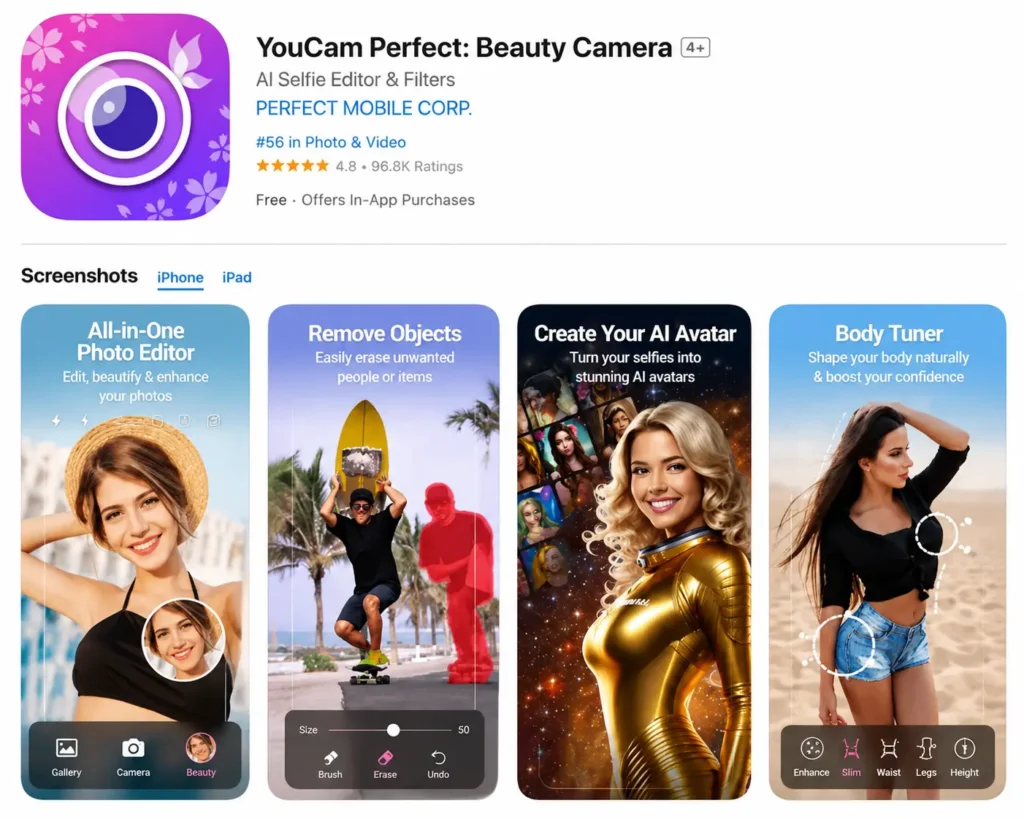
7. YouCam Perfect – Best for Beauty and Selfie Editing
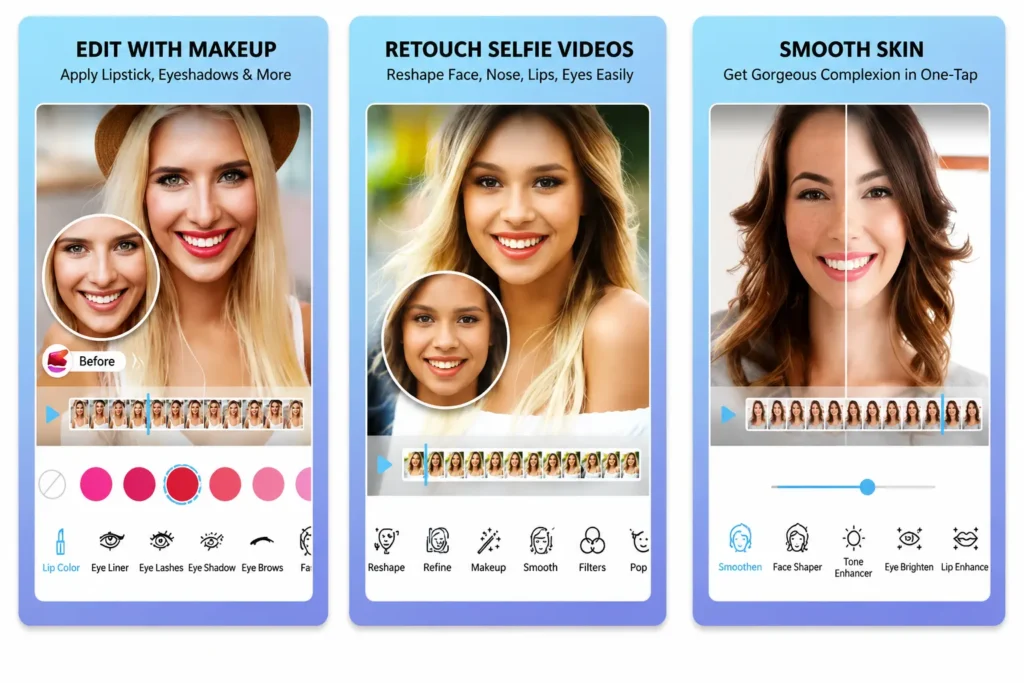
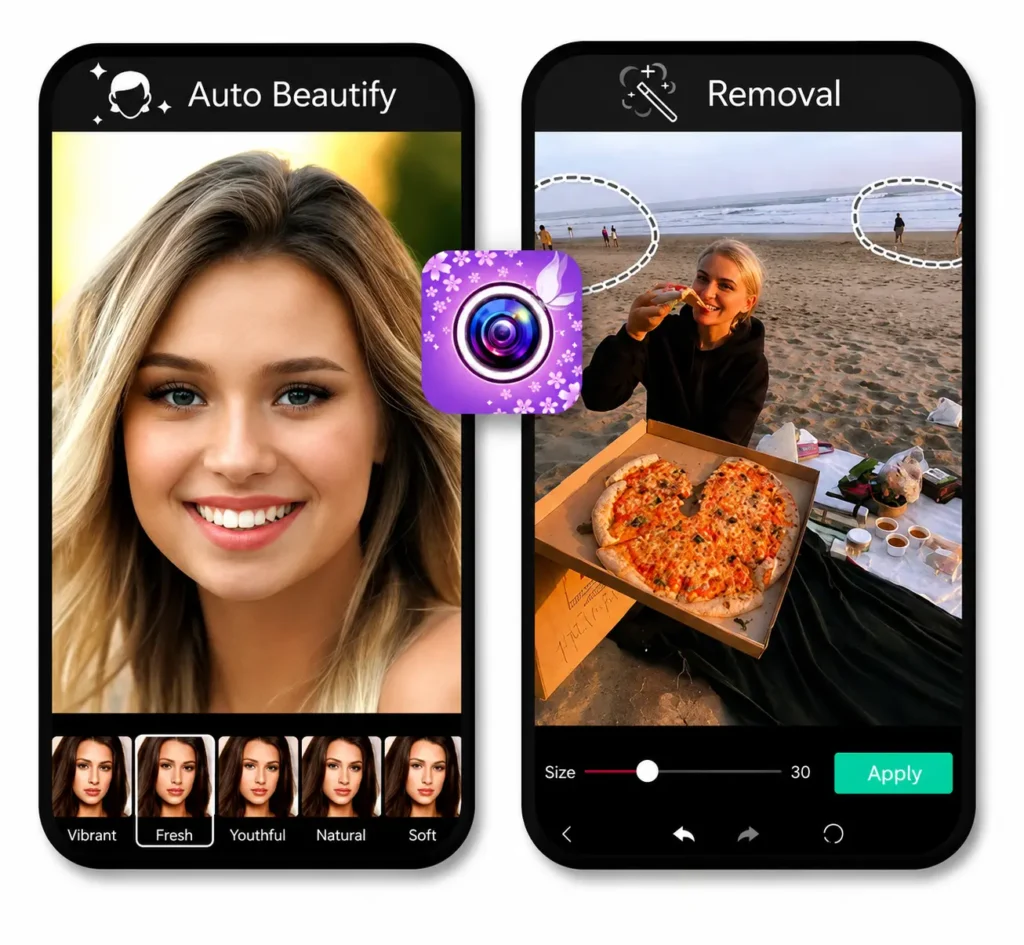
YouCam Perfect is designed specifically for selfies, portraits, and beauty-focused editing. The app includes face retouching tools, skin smoothing, makeup filters, body adjustments, and AI beauty enhancements.
Many casual users prefer YouCam Perfect because it delivers quick portrait improvements without requiring manual editing skills. The app is especially popular among social media users who want polished selfies in seconds.
If your editing style revolves mostly around portraits and personal photos, YouCam Perfect is one of the strongest beauty photo editor apps available today.
Which Hypic Alternative Should You Choose?
The best Hypic alternative depends entirely on your editing style and workflow.
If you mainly improve blurry photos, Remini is the strongest AI enhancement option. Creative users who enjoy aesthetic edits may prefer PicsArt for its effects and design flexibility.
For social media branding and professional templates, Canva is one of the easiest platforms to use. Online sellers and product photographers usually get better results with PhotoRoom because of its specialized background editing tools.
Advanced photographers who want manual control often choose Snapseed, while content creators who work with both video and photos generally prefer CapCut. For beauty filters and portrait enhancements, YouCam Perfect remains a reliable choice.
Final Thoughts
Choosing the best Hypic alternative is not simply about replacing one app with another. It is about finding an editor that matches your exact creative workflow. Some apps focus on AI enhancement, some are built for professional editing, while others specialize in design, product photography, or social media content.
The biggest advantage of exploring different apps is that you can discover tools that fit your editing habits more naturally. Once you match the right app to the right purpose, editing becomes faster, easier, and much more consistent.
If Hypic no longer fully meets your needs, testing a few of these alternatives side by side is the smartest way to discover which platform truly works best for you.