Top 10 Free Editing Apps in 2026
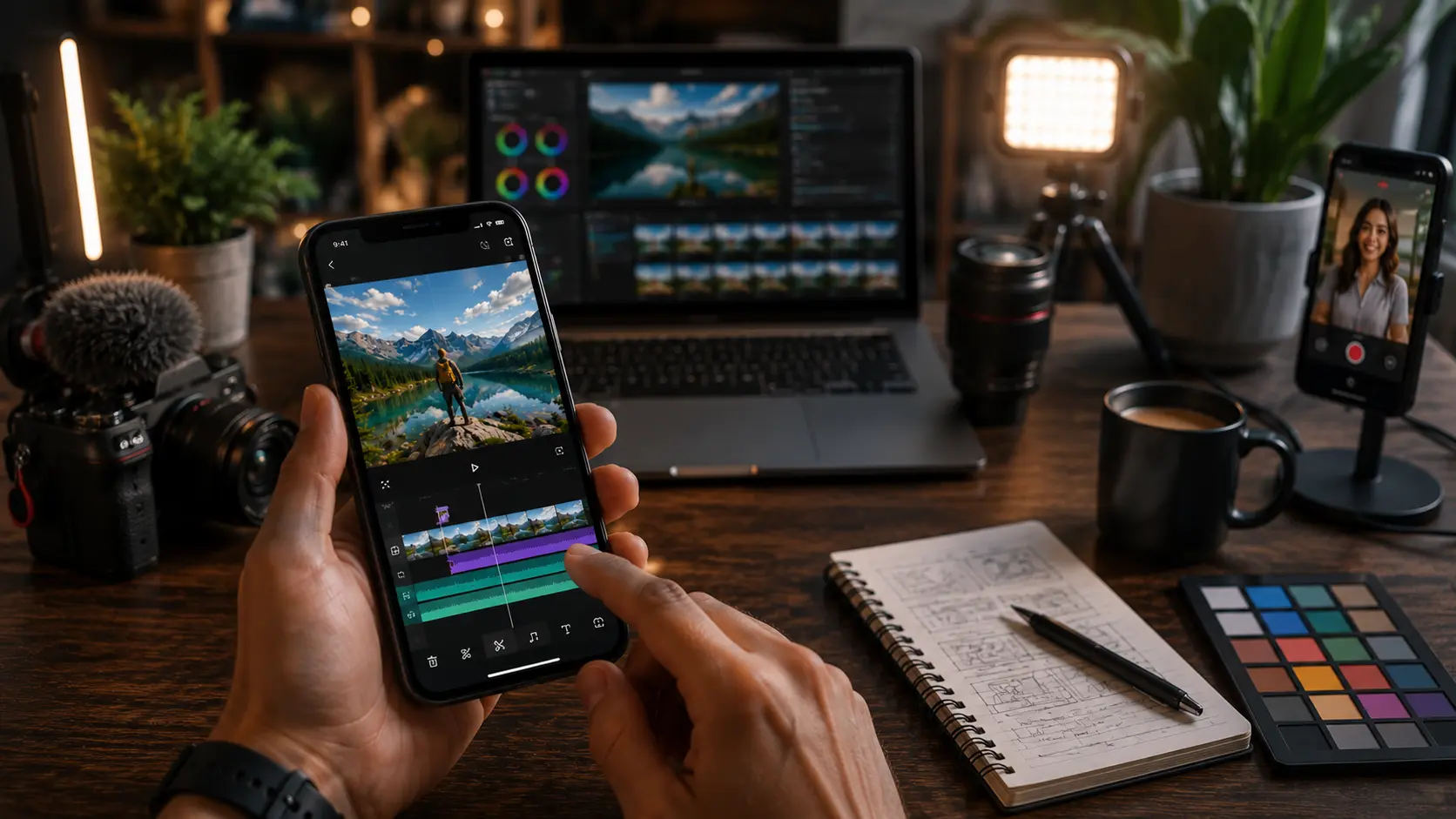
Creating high-quality content no longer requires an expensive desktop setup or professional editing experience. Today, the best free editing apps offer powerful tools for editing photos, creating cinematic videos, designing social media posts, and producing short-form content directly from your smartphone.
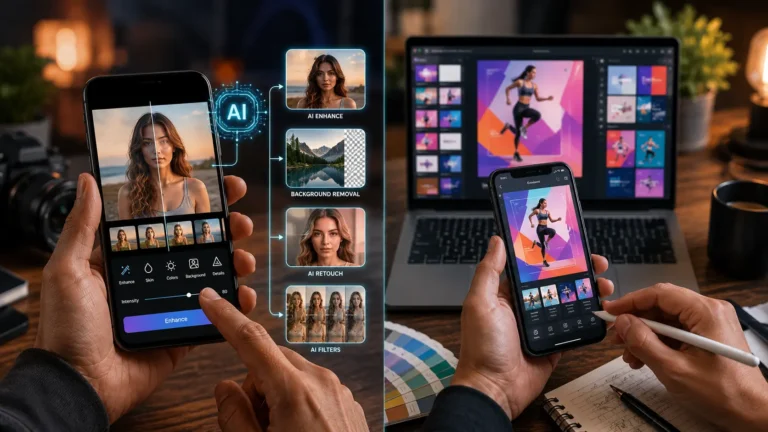
Whether you are posting on TikTok, Instagram Reels, YouTube Shorts, or simply enhancing personal photos, modern mobile editors now include advanced features like AI-powered effects, multi-layer timelines, background removal, RAW image editing, and professional color correction all without requiring a paid subscription.
However, not every “free” editor is truly free. Some apps limit export quality, lock premium features behind subscriptions, or place watermarks on finished projects. That is why choosing the right app matters.
This guide covers the top free editing apps available for Android and iPhone users in 2026, including both video editing and photo editing tools. We’ll compare their features, explain their strengths and weaknesses, and help beginners choose the best option for their needs.
Quick Comparison of Free Editing Apps
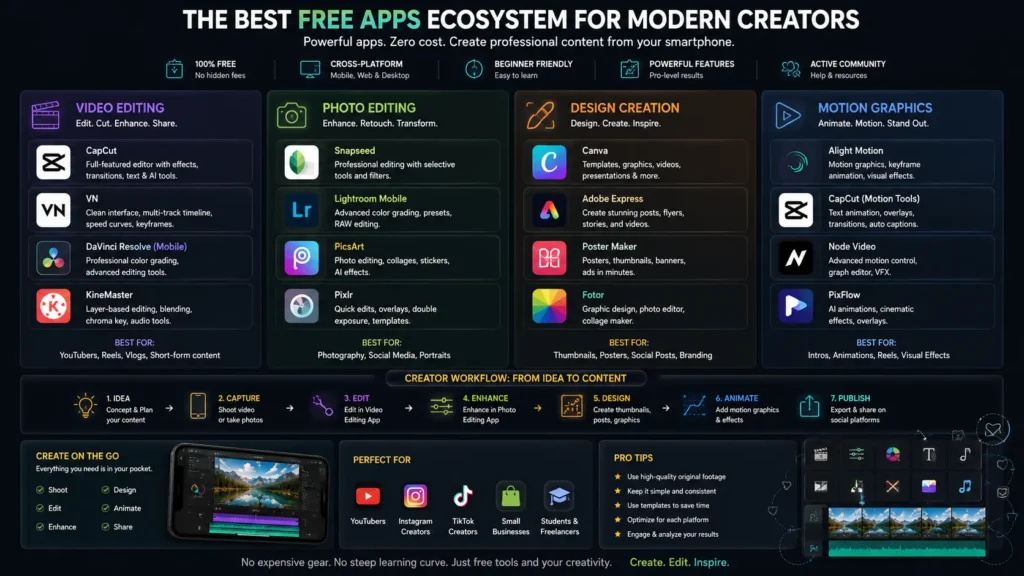
If you want a fast overview before downloading an app, this comparison table highlights the most important differences, including watermark policies, supported platforms, and ideal use cases.
|
App |
Type |
Platforms |
Watermark on Free Plan |
Best For |
|---|---|---|---|---|
|
CapCut |
Video Editing |
Android, iPhone, Desktop |
No (removable ending clip) |
TikTok and Reels editing |
|
InShot |
Video Editing |
Android, iPhone |
Yes |
Beginner social media videos |
|
VN Video Editor |
Video Editing |
Android, iPhone, Desktop |
No |
Professional free timeline editing |
|
Pixlr |
Photo Editing |
Android, iPhone, Web |
No |
Quick photo enhancement |
|
FilmoraGo |
Video Editing |
Android, iPhone |
Yes |
Template-based edits |
|
LightX |
Photo Editing |
Android, iPhone |
Limited |
Portrait retouching and AI tools |
|
Canva |
Design + Editing |
Android, iPhone, Desktop |
No (unless premium assets used) |
Social media graphics |
|
PicsArt |
Photo + Design |
Android, iPhone |
Limited |
Creative filters and collages |
|
Alight Motion |
Motion Graphics |
Android, iPhone |
Yes |
Animation and motion effects |
|
Snapseed |
Photo Editing |
Android, iPhone |
No |
Professional photo retouching |
Best Free Editing Apps in Detail
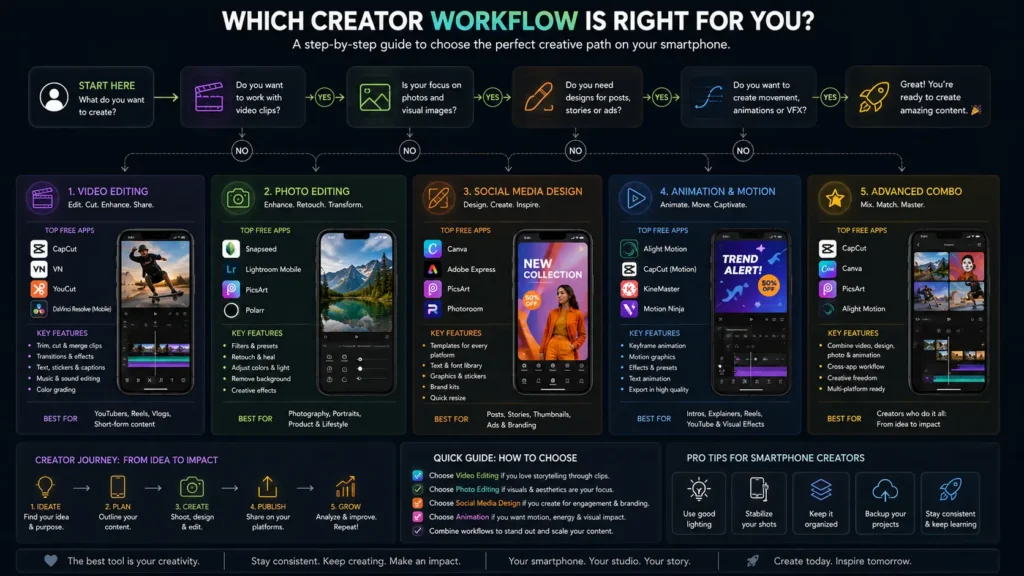
1. CapCut
CapCut has become one of the most popular free video editing apps for social media creators. Developed by ByteDance, the app is heavily optimized for platforms like TikTok, making it ideal for viral edits, trending templates, and fast content production.
The app includes:
- Auto captions
- AI effects
- Smooth transitions
- Multi-track editing
- Speed ramping
- Built-in music libraries
- 1080p exports on the free plan
One major reason creators prefer CapCut is that the free version does not force a permanent watermark. The app adds an ending clip by default, but users can remove it manually before exporting.
CapCut works especially well for:
- TikTok videos
- Instagram Reels
- YouTube Shorts
- Fast meme edits
- Beginner-friendly social content
However, in 2026 many advanced templates and AI tools are now locked behind CapCut Pro, so some premium upsells are unavoidable.
2. InShot
InShot is one of the easiest free editing apps for beginners. Its interface is clean, simple, and designed specifically for mobile-first editing.
The app focuses on quick social media production and includes:
- Basic trimming
- Aspect ratio conversion
- Video speed control
- Filters and effects
- Text overlays
- Music syncing
InShot is particularly useful for converting widescreen videos into vertical formats for Instagram Reels and TikTok.
The biggest downside is the watermark on free exports. Users must either watch ads or upgrade to the premium plan to remove it permanently.
Despite its limitations, InShot remains one of the best free editing apps for beginners who want fast results without a steep learning curve.
3. VN Video Editor
VN Video Editor is often considered the best free video editing app without watermarks.
Unlike many competitors, VN provides:
- Multi-layer timelines
- Keyframe animation
- Advanced speed curves
- LUT support
- Audio layering
- Professional transitions
The app feels closer to desktop editing software while remaining beginner-friendly enough for mobile users.
One standout advantage is that VN exports videos without forced branding or hidden paywalls. This makes it highly attractive for creators who want professional-looking content without subscriptions.
VN is especially good for:
- YouTube content
- Cinematic edits
- Long-form projects
- Professional color grading
For creators who have outgrown basic apps like InShot, VN is an excellent next step.
4. FilmoraGo
FilmoraGo brings the editing style of Wondershare Filmora desktop software to smartphones.
The app focuses heavily on:
- Templates
- Automatic transitions
- Pre-built animations
- Quick social edits
- Beginner workflows
FilmoraGo is easy to use and visually polished, making it ideal for users who prioritize speed over manual control.
However, the free version exports videos with a watermark, which limits its usefulness for professional creators.
Still, FilmoraGo works well for:
- Casual creators
- Quick travel edits
- Family videos
- Beginner TikTok content
5. Alight Motion
Alight Motion specializes in animation and motion graphics rather than standard timeline editing.
The app supports:
- Keyframe animation
- Motion blur
- Vector graphics
- Visual effects
- Layer-based editing
This makes it popular among creators producing:
- Anime edits
- Motion graphics
- Typography animations
- Advanced TikTok effects
The learning curve is higher than most apps on this list, but the creative flexibility is impressive for a free mobile tool.
The free version includes watermarks on exports, so creators often upgrade once they become comfortable with the platform.
6. Pixlr
Pixlr is one of the best free photo editing apps for users who want quick but powerful image enhancement.
The app includes:
- AI object removal
- Background editing
- Exposure controls
- Filters and overlays
- Collage creation
- Blur and sharpening tools
Pixlr reports more than 18 million creators using the platform worldwide.
Its browser-based version also makes it extremely convenient for users who switch between desktop and mobile devices.
Pixlr is best suited for:
- Instagram photos
- Product images
- Quick touch-ups
- AI-powered edits
7. LightX
LightX combines traditional editing features with newer AI-powered tools.
It offers:
- Portrait retouching
- Background removal
- Blending modes
- Color splash effects
- AI enhancement tools
The app performs especially well for portrait photography and social media graphics.
Although some premium features are gated behind subscriptions, the free tools are still capable enough for casual creators and beginner designers.
8. Canva
Canva is more than just a photo editor. It functions as a complete content creation platform for social media, presentations, branding, and lightweight video editing.
Canva’s free plan includes:
- Drag-and-drop editing
- Thousands of templates
- Social media sizing tools
- Basic video editing
- Team collaboration
- Brand kits
Its biggest advantage is simplicity. Even users with zero design experience can create professional-looking content within minutes.
Canva is ideal for:
- YouTube thumbnails
- Instagram posts
- Business graphics
- Marketing content
- Presentation slides
While newer AI features are increasingly premium-only, Canva still offers one of the strongest free ecosystems available today.
9. PicsArt
PicsArt focuses heavily on artistic editing and social creativity.
The platform includes:
- Stickers
- AI effects
- Filters
- Drawing tools
- Collage templates
- Cutout tools
PicsArt appeals strongly to younger audiences and creators who prefer expressive, trend-based designs over realistic edits.
The free version remains highly usable, although some filters, AI tools, and assets now require a premium subscription.
10. Snapseed
Snapseed remains one of the best completely free photo editing apps available.
Developed by Google, Snapseed offers:
- RAW photo support
- Selective adjustments
- Healing brush
- Perspective correction
- Professional color controls
- Non-destructive editing
Unlike many modern apps, Snapseed contains:
- No advertisements
- No subscription pressure
- No watermarks
- No premium asset restrictions
Its clean interface and professional tools make it equally valuable for beginners and photographers.
If your focus is purely photo editing rather than video creation, Snapseed is easily one of the strongest free options available today.
Tips for Beginners
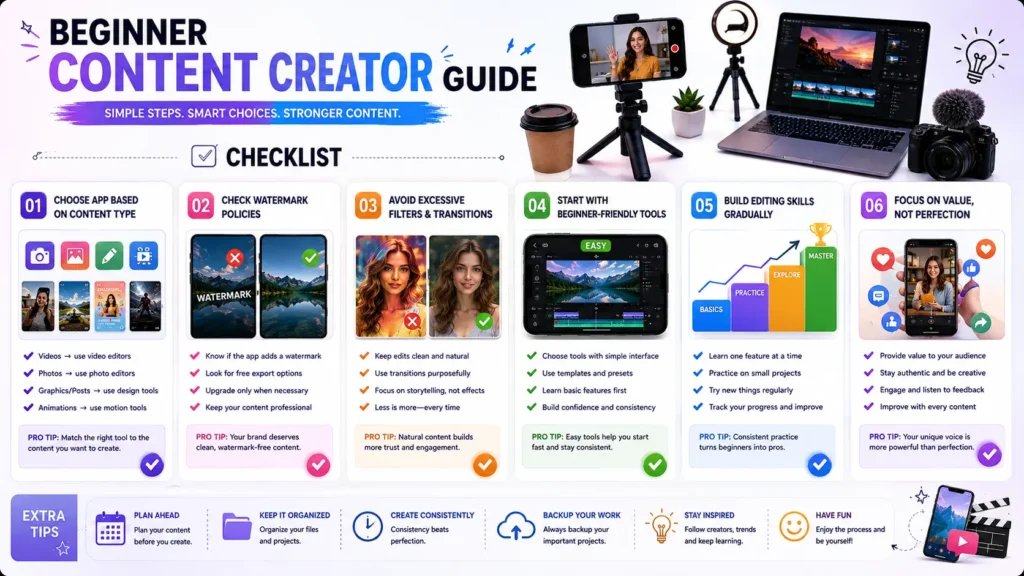
Choosing the right editing app becomes much easier when you focus on your specific goals instead of downloading every trending tool.
Here are some beginner-friendly tips:
Choose Based on Content Type
Different apps specialize in different workflows.
- Use CapCut or VN for video editing
- Use Snapseed or Pixlr for photography
- Use Canva for graphics and branding
- Use Alight Motion for animations
Trying to force one app to handle every task usually creates frustration.
Check Watermark Policies First
Some free editing apps add watermarks automatically after you finish editing.
Apps like VN and Snapseed avoid this problem, while FilmoraGo, InShot, and Alight Motion typically watermark free exports.
Always test export settings before spending hours on a project.
Avoid Overusing Effects
Beginners often add too many filters, transitions, and animations.
Professional-looking content usually relies on:
- Clean cuts
- Balanced color correction
- Simple transitions
- Consistent fonts
- Natural lighting
Less editing often produces better results.
Start With Simple Apps
If you are new to editing, begin with:
- CapCut
- Canva
- InShot
- Snapseed
After learning the basics, move to more advanced apps like VN or Alight Motion.
Conclusion
The best free editing apps in 2026 are more powerful than ever. Whether you want to create viral TikTok videos, cinematic YouTube content, polished Instagram graphics, or professional photo edits, there are now free tools available for nearly every workflow.
For video creators, CapCut and VN Video Editor remain the strongest all-around choices. For photographers and image editors, Snapseed and Pixlr continue to dominate the free editing space.
The most important step is choosing an app that matches your goals, skill level, and content style. Start with beginner-friendly tools, learn the basics of editing, and gradually explore advanced features as your creative skills improve.
With the right free editing app, even a smartphone can become a powerful professional content creation tool.